
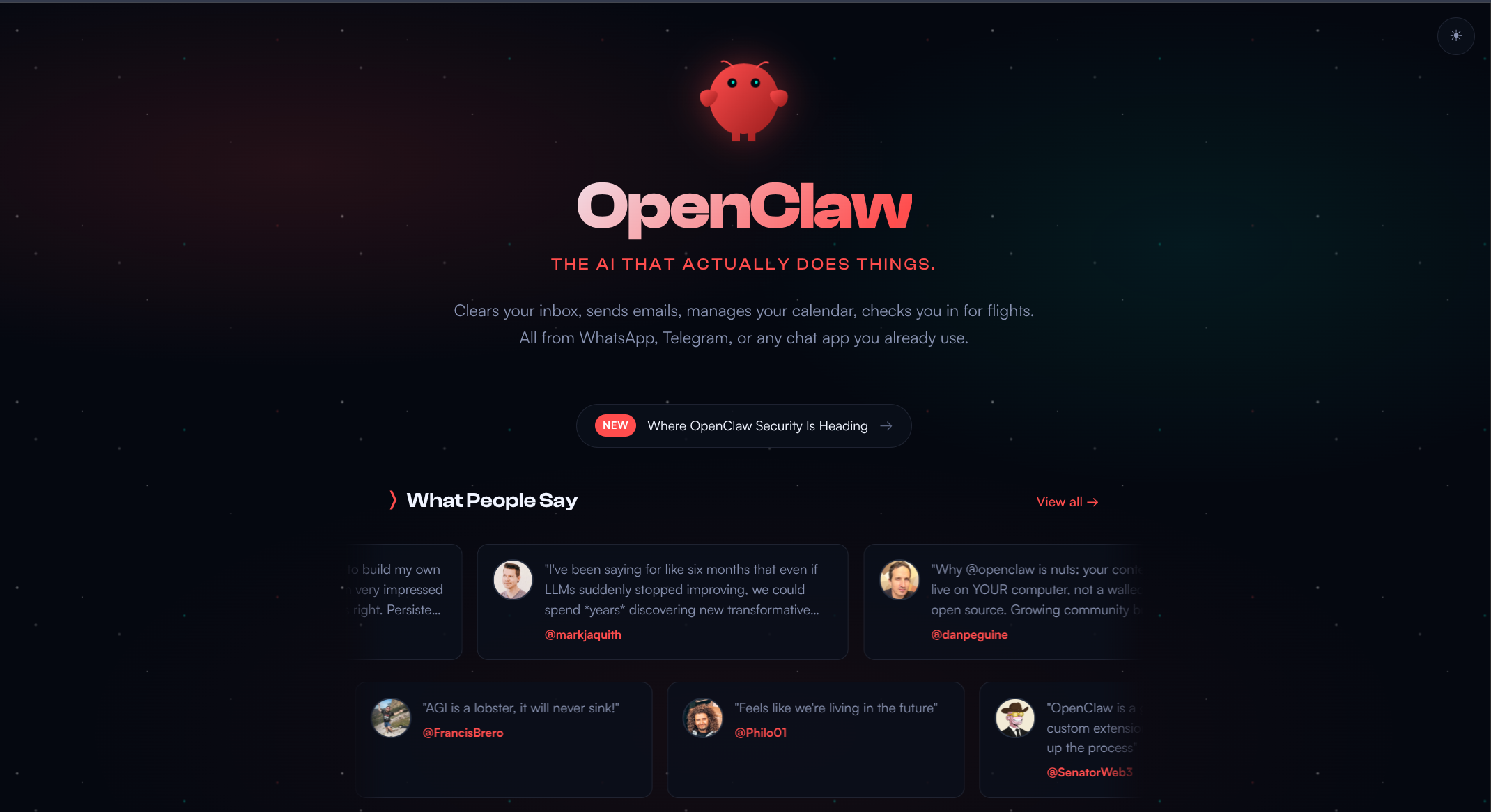
« A locally hosted open-source personal AI assistant (Mac/Windows/Linux) with persistent memory and full system access. Control it via WhatsApp, Telegram, Discord, Slack, iMessage, or Signal to automate your workflows »
📖 About OpenClaw
OpenClaw (originally launched as Clawdbot, then briefly Moltbot) is a highly popular, viral open-source autonomous AI agent runtime. Created by developer Peter Steinberger, it acts as a self-hosted gateway that bridges your personal messaging applications directly to powerful Large Language Models (like Claude, OpenAI’s GPT models, or local models via Ollama and DeepSeek).
Instead of treating AI as a web tab you have to visit, OpenClaw turns your favorite chat apps into a command center for a digital assistant that can interact directly with your computer and the web.
1. What Makes OpenClaw Different?
While corporate agent platforms like Manus are entirely closed-source, OpenClaw is built on a local-first, open-source (MIT licensed) philosophy.
Your Hardware, Your Data: The core OpenClaw gateway daemon runs locally on your laptop, homelab, or a virtual private server (VPS). Your conversation histories, files, and configurations are stored transparently on your disk as plain Markdown and YAML files.
The Chat Interface is Your UI: You don’t use a dedicated browser app. OpenClaw routes its agent logic directly through messaging applications you already use everyday—including Telegram, WhatsApp, Signal, iMessage, Slack, and Discord.
True System Autonomy: If given permission, OpenClaw has "eyes, ears, and hands" on your computer. It can run shell commands, write scripts, read/edit local files, manage your calendar, check email, or deploy web browsers via automation tools to fill out forms and scrape data.
2. Core Architectural Features
A. The Gateway & Heartbeat Loop
OpenClaw runs as a continuous background service on macOS, Linux, or Windows. It relies on a configurable autonomous loop called a Heartbeat (which checks in every 30 minutes by default). On every heartbeat, it references a local file called HEARTBEAT.md to check if there are cron-style routine tasks it needs to run—like pulling a morning news digest, looking for flight deals, or checking server health—and will proactively ping your chat app if an action is required.
B. Portable "Agent Skills"
OpenClaw's capabilities are completely modular and community-driven through a framework called Agent Skills.
Skills are encapsulated in plain directories containing a standard SKILL.md file, which includes natural-language guidelines and structural metadata defining exactly how the AI should use specific tools.
Users can download pre-configured setups from an open registry called ClawHub to handle anything from smart home control (like Philips Hue or Home Assistant) to advanced coding, legal auditing, or social media drafting.
Because it's "self-improving," you can literally text your agent a request to build a new tool, and OpenClaw will write the Python code to program its own new skill file on the fly.
3. Deployment & Flexibility
OpenClaw is incredibly adaptable depending on how technical you are and what you want to achieve:
Local Inference vs. Cloud: You can plug in API keys from heavy cloud models, or you can run it 100% locally and privately by pairing it with Ollama using local models like Qwen 3.5 or Gemma 4.
Safety Guardrails: Because giving an AI access to a terminal is inherently risky, OpenClaw utilizes strict tool policies. You can configure a "Risk Mitigation Ladder" where things like reading files are allowed automatically, but high-risk actions (like sending emails or deleting files) require you to tap an "Approve" button in your chat app first.
Instead of treating AI as a web tab you have to visit, OpenClaw turns your favorite chat apps into a command center for a digital assistant that can interact directly with your computer and the web.
1. What Makes OpenClaw Different?
While corporate agent platforms like Manus are entirely closed-source, OpenClaw is built on a local-first, open-source (MIT licensed) philosophy.
Your Hardware, Your Data: The core OpenClaw gateway daemon runs locally on your laptop, homelab, or a virtual private server (VPS). Your conversation histories, files, and configurations are stored transparently on your disk as plain Markdown and YAML files.
The Chat Interface is Your UI: You don’t use a dedicated browser app. OpenClaw routes its agent logic directly through messaging applications you already use everyday—including Telegram, WhatsApp, Signal, iMessage, Slack, and Discord.
True System Autonomy: If given permission, OpenClaw has "eyes, ears, and hands" on your computer. It can run shell commands, write scripts, read/edit local files, manage your calendar, check email, or deploy web browsers via automation tools to fill out forms and scrape data.
2. Core Architectural Features
A. The Gateway & Heartbeat Loop
OpenClaw runs as a continuous background service on macOS, Linux, or Windows. It relies on a configurable autonomous loop called a Heartbeat (which checks in every 30 minutes by default). On every heartbeat, it references a local file called HEARTBEAT.md to check if there are cron-style routine tasks it needs to run—like pulling a morning news digest, looking for flight deals, or checking server health—and will proactively ping your chat app if an action is required.
B. Portable "Agent Skills"
OpenClaw's capabilities are completely modular and community-driven through a framework called Agent Skills.
Skills are encapsulated in plain directories containing a standard SKILL.md file, which includes natural-language guidelines and structural metadata defining exactly how the AI should use specific tools.
Users can download pre-configured setups from an open registry called ClawHub to handle anything from smart home control (like Philips Hue or Home Assistant) to advanced coding, legal auditing, or social media drafting.
Because it's "self-improving," you can literally text your agent a request to build a new tool, and OpenClaw will write the Python code to program its own new skill file on the fly.
3. Deployment & Flexibility
OpenClaw is incredibly adaptable depending on how technical you are and what you want to achieve:
Local Inference vs. Cloud: You can plug in API keys from heavy cloud models, or you can run it 100% locally and privately by pairing it with Ollama using local models like Qwen 3.5 or Gemma 4.
Safety Guardrails: Because giving an AI access to a terminal is inherently risky, OpenClaw utilizes strict tool policies. You can configure a "Risk Mitigation Ladder" where things like reading files are allowed automatically, but high-risk actions (like sending emails or deleting files) require you to tap an "Approve" button in your chat app first.
AI Tools Like OpenClaw
More tools from AI Agents
Featured

Manus AI Agent
AI Agents
An AI agent that executes advanced tasks without human intervention. From travel planning...

Genspark AI Browser
AI Agents
Surf the web with an ultra-fast browser featuring an ad blocker, autopilot mode and a supe...
Featured

AutoGPT
AI Agents
An open-source, Internet-connected AI (GPT) that can perform tasks without human intervent...

Hermes Agent
AI Agents
Hermes Agent is an open-source autonomous AI agent developed by Nous Research, designed to...

Browser Use
AI Agents
Browser Use is an open-source framework that gives AI agents the ability to interact with...
Featured

Workspace Agents ChatGPT
AI Agents
Workspace Agents in ChatGPT are designed to help teams turn repetitive work into automated...
🔗 Useful Links
Comments (0)
Be the first to comment!